Industry Guides
Published on Aug 5, 2026
Emergency Plumbing Call Handling: How to Triage, Route, and Escalate Urgent Calls

Rexpt Editorial Team
7 min read
A practical guide to building an emergency plumbing call workflow that separates routine, urgent, and emergency requests, captures the right details, and routes each call to the correct next step.
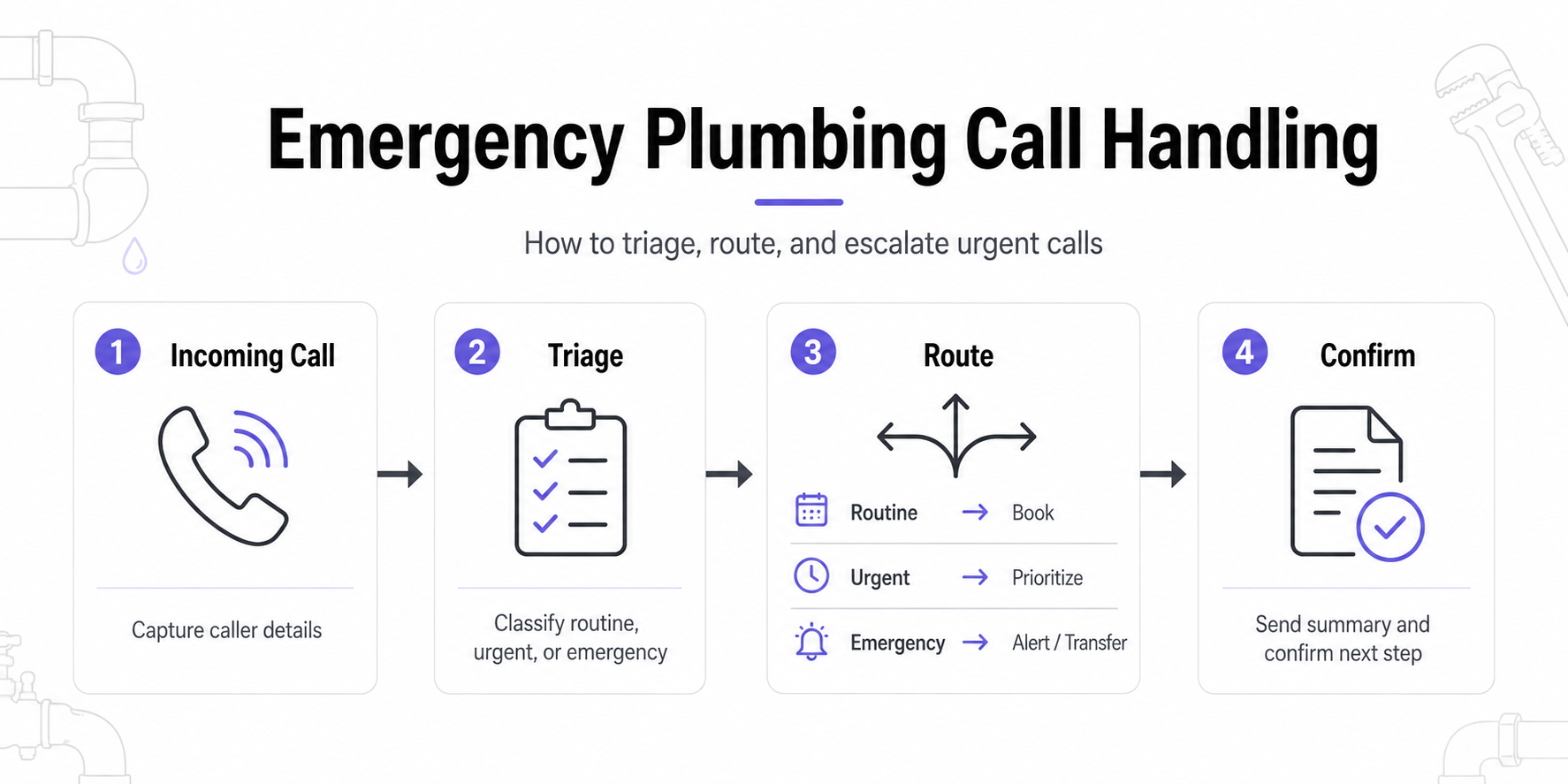
A plumbing emergency does not become easier because the office is closed. A homeowner with water spreading across a floor, a sewer backup, or a failed water heater needs a clear next step quickly. For the plumbing business, the operational challenge is not simply answering the phone. It is deciding what the call requires, collecting the right information, and moving it to the right person without waking the on-call technician for every routine request.
That is why emergency plumbing call answering needs its own workflow. A good system separates routine work from urgent requests, preserves a path to a human when judgment is required, and gives the field team enough information to act without starting the conversation again from zero.
Start by Defining What “Emergency” Means for Your Business
The receptionist - human or AI - should not invent an emergency definition during the call. The business should define it in advance. The exact rules vary by service area, staffing model, licensing, and the types of work the company accepts.
- Emergency: an issue your business wants escalated immediately to an on-call person, such as active flooding, a major sewer backup, or another situation covered by your approved emergency policy.
- Urgent: a customer needs same-day or next-available service, but the call does not require an immediate technician interruption.
- Routine: the caller needs a quote, maintenance visit, installation, or future appointment that can follow the normal booking workflow.
Important boundary: Call handling should classify the customer request using approved business rules. It should not diagnose plumbing, safety, gas, electrical, or property-damage conditions beyond the scripts and escalation instructions the business has approved. When a situation requires safety guidance or emergency services, the workflow should follow the business’s documented policy rather than improvise.
A Reliable Emergency Plumbing Call Workflow
- Answer the call promptly. The first goal is to establish that the business is available and to reduce the chance that the caller abandons the call before explaining the problem.
- Capture identity and location early. Collect the caller’s name, callback number, service address, and any location details your dispatch process requires. This protects the workflow if the call drops later.
- Identify the reason for the call. Ask a small number of business-approved questions that separate routine, urgent, and emergency situations. Avoid long scripts when the caller is already stressed.
- Check service-area and availability rules. An urgent request is only useful if the business serves the location and has a valid next step. The workflow should know when to book, when to escalate, and when to offer a callback.
- Route or alert the right person. A true emergency can trigger a direct transfer, an urgent SMS alert, or another escalation path defined by the plumbing company. Routine requests should not wake the on-call technician.
- Confirm the next step with the caller. Tell the caller what happens next: a transfer, a callback, an appointment window, or another clearly defined action. Do not promise arrival times or outcomes that the business has not authorized.
- Create a usable record. The call should produce a summary containing the caller, location, reason for the call, urgency level, actions taken, and any follow-up required.
What Usually Breaks in an Emergency Call System
- Voicemail-only coverage. It records a request but does not triage, route, or provide an immediate next step.
- Forwarding every after-hours call to the owner. This creates avoidable interruptions and makes routine callers compete with real emergencies for the same person’s attention.
- Vague escalation rules. If “emergency” is not defined, different staff members - or an AI agent - may handle similar situations inconsistently.
- No fallback path. If the first on-call number does not answer, the system needs a second action rather than sending the caller into a dead end.
- No testing. Routing that works during a weekday test may fail after hours, during a busy condition, or when a carrier voicemail setting intercepts the call.
Where an AI Receptionist Fits
A configured AI receptionist can sit in front of the emergency workflow and handle the repeatable parts of the call: answering, collecting details, checking the reason for the call, applying business rules, booking routine work, and triggering the correct escalation path. For a plumbing company, the value is consistency and capacity rather than replacing every human decision.
Rexpt can support multiple simultaneous calls, business-specific call routing, lead qualification, appointment booking, call summaries, a built-in mobile CRM, spam filtering, urgency or sentiment signals, and automated notifications. The business still controls the rules: which situations qualify for escalation, who receives the alert, what hours different routes apply, and when a human should take over.
Example: Three Calls Arrive at the Same Time
Consider a plumbing company receiving three calls while the on-call technician is already driving to a job.
- Caller A reports active water coming through a ceiling. The workflow captures the address and contact information, classifies the request according to the company’s emergency rules, and sends the approved urgent alert or transfer.
- Caller B says the water heater has stopped working and wants the earliest available appointment. The workflow captures details and books or requests the next available slot according to the configured calendar rules.
- Caller C wants a quote for replacing a toilet next week. The workflow records the request and books a routine appointment without interrupting the on-call technician.
The important point is not that AI “understands plumbing” better than a technician. It is that a configured front-desk layer can apply the same intake and routing rules consistently while the technician focuses on work that actually requires field judgment.
Build the Workflow Before You Choose the Tool
Before changing phone systems or adding an answering platform, document the workflow on one page. Define after-hours coverage, emergency categories, required intake fields, service-area rules, on-call contacts, fallback contacts, booking rules, and the exact language staff should use when they cannot promise an immediate dispatch.
Then test it with realistic calls. A burst-pipe scenario, a routine drain-cleaning request, a caller outside the service area, a busy on-call number, and two simultaneous calls will expose most routing gaps before customers do.
For the broader revenue context, read How Much Does a Missed Plumbing Call Actually Cost?
For a human-service comparison, see AI Receptionist vs Human Receptionist.
Where Mike by Rexpt Fits for Plumbers
A defined triage workflow only works if every incoming call is handled consistently. Mike by Rexpt is built specifically for plumbing operators to handle after-hours call triage, lead qualification, and emergency dispatch. Without changing your business phone number, simple call forwarding sends selected calls to Mike, who collects job details, applies your specific urgency rules, schedules routine appointments, and alerts your on-call technician only when immediate action is required.
Eliminate missed leads and prevent late-night wake-ups for routine calls.
Explore how our 24/7 AI receptionist for plumbers handles emergency calls →
Frequently Asked Questions
What information should be captured on an emergency plumbing call?

At minimum, capture the caller’s name, callback number, service address, reason for the call, urgency indicators defined by your business, and the action taken. Add property type, access notes, or customer status only when they are useful to dispatch.
Should every after-hours plumbing call be transferred to the on-call technician?

Usually not. Routine requests, future bookings, pricing questions, and service-area questions can often be handled without interrupting the field team. The escalation policy should reserve immediate handoff for situations the business has defined as urgent or emergency.
Can an AI receptionist route plumbing emergencies?
Yes, when it is configured with clear business rules and the correct escalation contacts. The system can collect the required information and trigger the approved transfer or notification path. Human judgment should remain available for exceptional or safety-sensitive situations.
What happens if the on-call technician does not answer?
The workflow should have a fallback. Examples include a second on-call number, an urgent SMS notification, a callback commitment that does not overpromise, or another route approved by the business. A single failed transfer should not end the process.
How often should the emergency call workflow be tested?
Test after any change to phone carriers, forwarding rules, staff schedules, calendars, or escalation numbers. It is also useful to run periodic test calls for routine, urgent, and emergency scenarios so the team knows the routing still behaves as expected.
On this page
- Start by Defining What “Emergency” Means for Your Business
- A Reliable Emergency Plumbing Call Workflow
- What Usually Breaks in an Emergency Call System
- Where an AI Receptionist Fits
- Build the Workflow Before You Choose the Tool
- Where Mike by Rexpt Fits for Plumbers
- Frequently Asked Questions
Stop missing
customer calls.
Rexpt answers calls, qualifies leads, and books appointments 24/7.
Related Articles
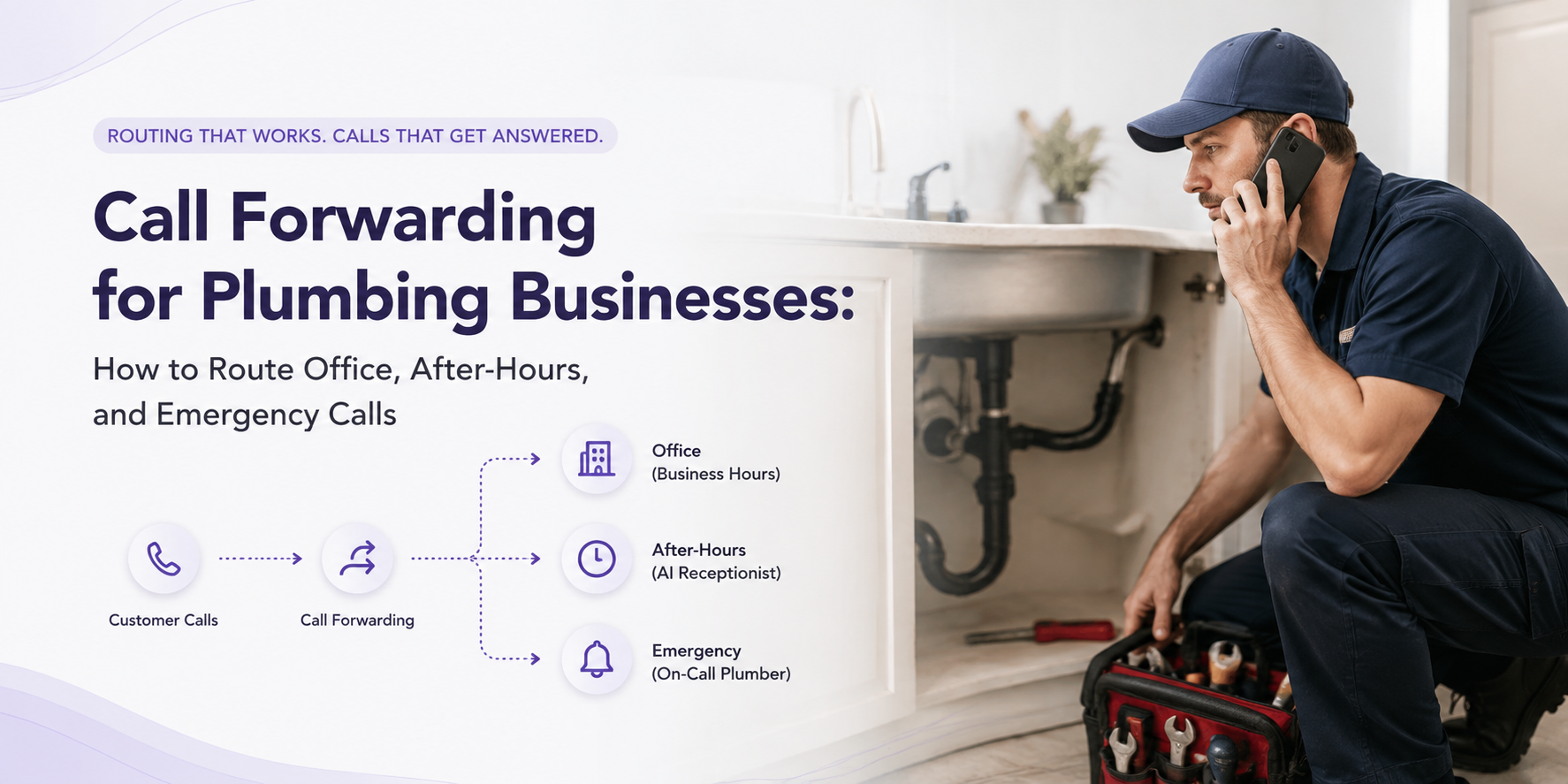
Call Forwarding for Plumbing Businesses: How to Route Office, After-Hours, and Emergency Calls

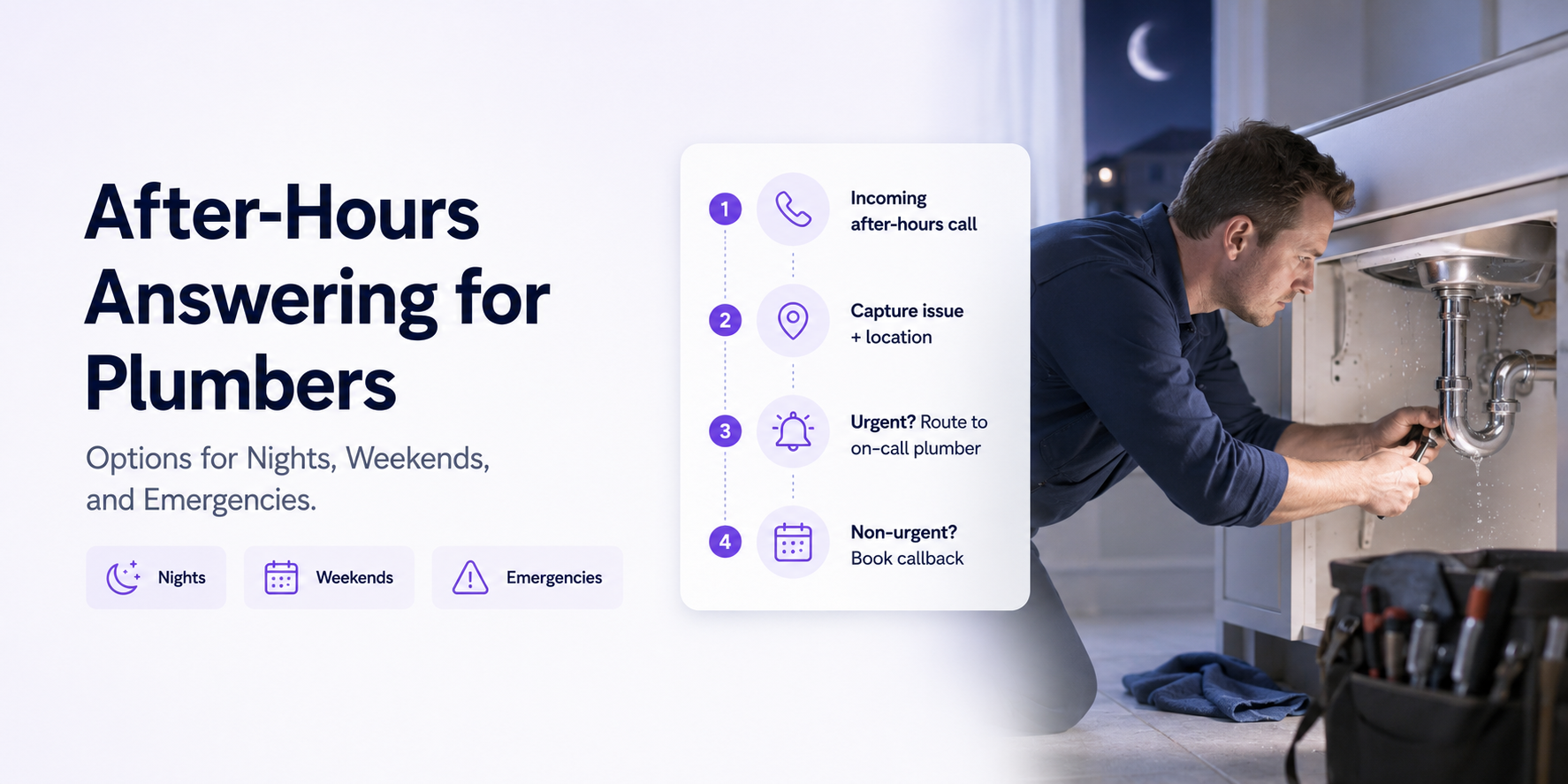
After-Hours Answering for Plumbers: Options for Nights, Weekends, and Emergencies
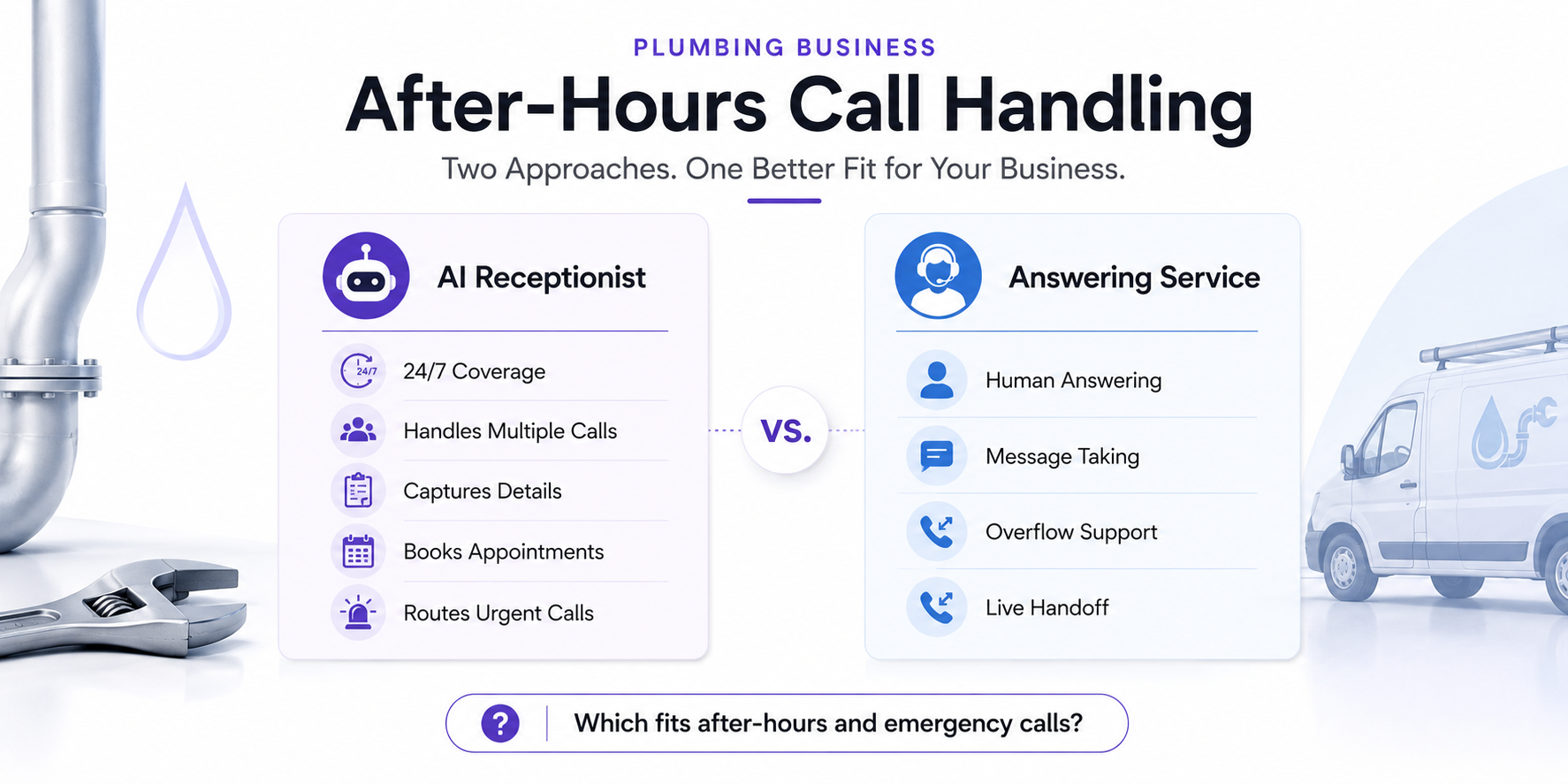
AI Receptionist vs Answering Service for Plumbers: Which Fits After-Hours and Emergency Calls?