Industry Guides
Published on Aug 13, 2026
Call Forwarding for Plumbing Businesses: How to Route Office, After-Hours, and Emergency Calls

Rexpt Editorial Team
7 min read
Learn how plumbing businesses can use call forwarding to route office-hours, overflow, after-hours, and urgent calls while keeping the same public business number.
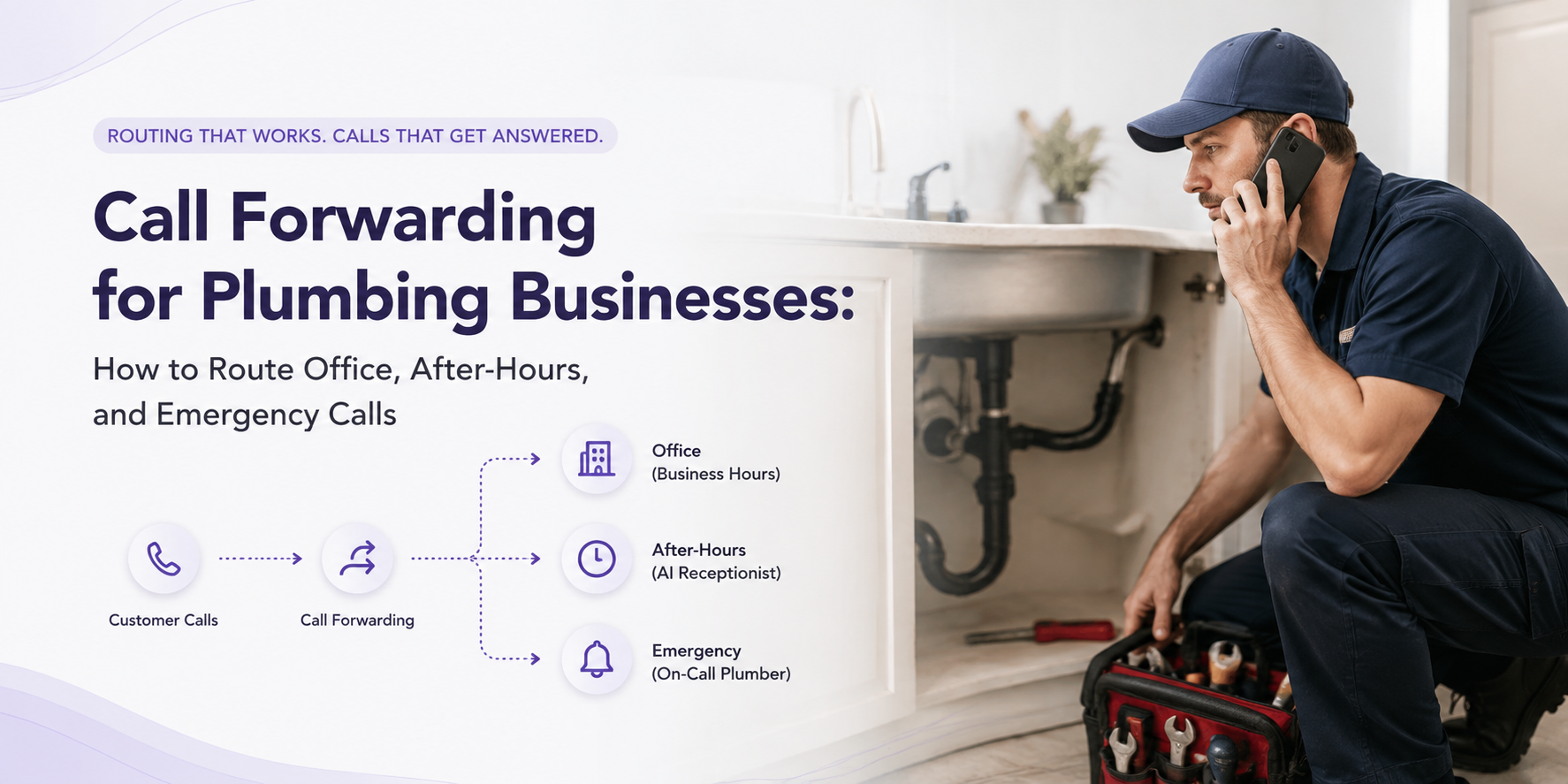
Plumbing businesses rarely operate beside one phone all day.
Technicians are on-site. Office staff may already be speaking with another customer. Calls arrive during lunch, after closing time, on weekends, and while the on-call plumber is working another job.
Call forwarding gives a plumbing business a simple way to keep its existing public number while sending selected calls somewhere else when needed.
That destination could be:
- an office employee
- the owner’s mobile phone
- an on-call plumber
- a human answering service
- an AI receptionist
But there is an important distinction:
Call forwarding decides where the call goes. It does not decide what happens after the call is answered.
That second part requires an answering and routing workflow.
For plumbers, the strongest setup combines both: forward the call to the right answering layer, then let that layer determine whether the caller needs information, an appointment, a message, or escalation to a person.
Start With the Routing Goal, Not the Phone Setting
Before turning on call forwarding, decide what you are actually trying to accomplish.
Different plumbing businesses need different routing rules.
Office-Hours Overflow
Your regular phone can ring first while the office team is available.
If nobody answers, the call can move to a backup destination rather than going directly to voicemail.
This works well when employees normally answer calls but are sometimes occupied with customers, paperwork, dispatching, or other conversations.
After-Hours Coverage
When the office closes, calls can be directed to another answering layer.
That may be an on-call employee, answering service, or AI receptionist.
For businesses using a phone system with time-based routing, this change can happen according to the configured business-hours schedule.
Full-Time Call Handling
Some businesses may want every inbound call to go directly to an answering service or AI receptionist.
In that setup, the advertised business number stays the same, but the answering layer becomes the first point of contact.
Urgent-Call Escalation
Forwarding can also be the first step in a more structured escalation workflow.
Instead of forwarding every after-hours call directly to the on-call plumber, the initial answering layer can first collect the caller’s information and determine what the call is about.
Routine requests can follow the normal booking or callback process.
Calls that match the plumbing company’s approved urgent-call criteria can be transferred or escalated to the appropriate person.
This keeps the on-call technician from becoming the receptionist for every call that arrives after closing time.
For a deeper look at how to separate routine, urgent, and emergency plumbing requests, see Emergency Plumbing Call Handling: How to Triage, Route, and Escalate Urgent Calls.
The Main Types of Call Forwarding
The terminology varies between carriers and phone systems, but most setups use some combination of the following routing conditions.
1. Unconditional or Immediate Forwarding
Every incoming call goes directly to the forwarding number.
The original phone does not need to ring first.
This can be useful when:
- the office is closed
- another service is handling all calls
- the business wants an AI receptionist or answering service to become the primary answering destination
2. No-Answer Forwarding
The original business phone rings first.
If nobody answers within the configured period, the call moves to another number.
For plumbing businesses, this can work well during normal business hours because staff still have the opportunity to answer while available.
When everyone is on-site or already occupied, the caller can move to the backup answering layer instead of reaching voicemail.
3. Busy or Unreachable Forwarding
Some carriers and phone systems can forward calls when the line is busy, the device is unavailable, or the network cannot reach the phone.
This can provide a useful fallback when the primary line cannot accept the call.
Exact conditions and availability depend on the carrier, device, and phone service.
4. Scheduled or Time-of-Day Routing
Business VoIP systems may provide more advanced routing based on:
- business hours
- evenings
- weekends
- holidays
- custom schedules
- ring groups
- overflow rules
For example, the office team might receive calls from 8 AM to 5 PM, while calls after 5 PM automatically go to an after-hours answering layer.
The important point is that call forwarding does not always have to be something an employee manually switches on and off from a handset.
Depending on the phone setup, forwarding may be controlled through the mobile device, carrier, or business-phone administration system.
Carrier and Device Setup Can Vary
There is no single call-forwarding code that works across every mobile carrier, landline, device, and VoIP system.
Some carriers support short codes entered through the phone dialer. Others provide call-forwarding controls through device settings or an account interface. Business VoIP systems commonly manage routing through an administrative dashboard.
Because those instructions can vary by service type and can change over time, confirm the forwarding method for the exact phone account before changing a live business number.
This is also why a setup process should guide the customer based on the carrier and forwarding condition they actually use rather than assuming one universal instruction works for everyone.
How Rexpt Guides Customers Through Call Forwarding
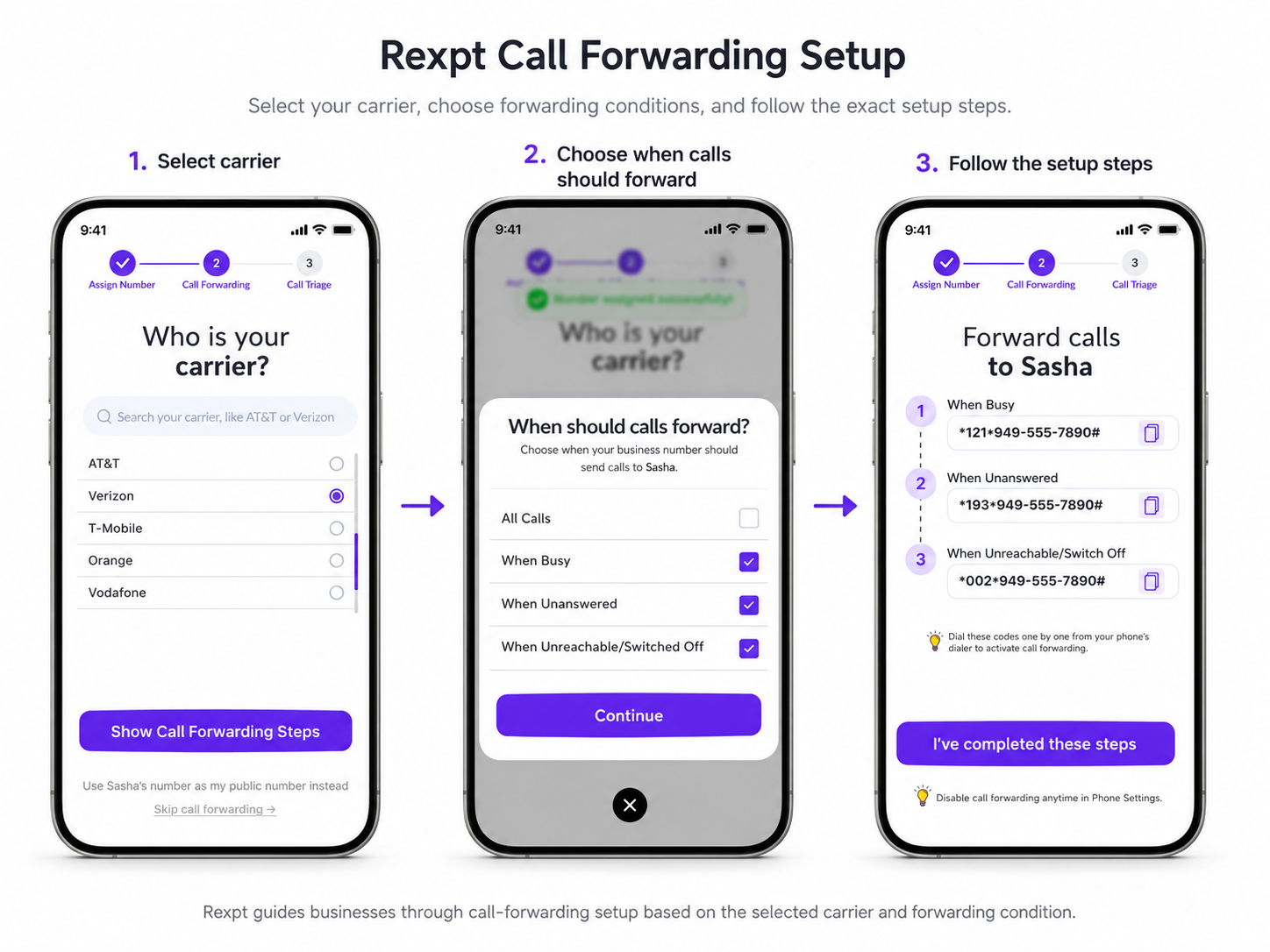
For businesses connecting their existing number to Rexpt, call forwarding is part of the setup flow.
The customer does not have to replace the number already advertised on the website, Google Business Profile, vehicles, directories, or marketing materials.
Instead, Rexpt provides a receiving number and then guides the customer through the forwarding setup.
The flow is straightforward:
Step 1: Select the Carrier
The customer selects the carrier associated with the business number. This matters because forwarding instructions are not identical across every network.
Step 2: Choose When Calls Should Be Forwarded
The business selects the situations where forwarding should apply, such as:
- all calls
- when the line is busy
- when nobody answers
- when the phone is unreachable or switched off
This lets the business decide whether Rexpt should handle every inbound call or act primarily as an overflow or backup layer.
Step 3: Follow the Carrier-Specific Instructions
Rexpt then shows the relevant call-forwarding instructions for the selected carrier and forwarding conditions.
The customer can use those instructions to configure the forwarding from the appropriate phone or service.
The practical result is that customers continue calling the plumbing company’s existing business number while the forwarding happens behind the scenes.
What Happens After a Call Is Forwarded?
This is where call forwarding and call handling become two different things.
Imagine a customer calls your existing plumbing number after hours.
The phone system forwards that call to an AI receptionist.
From there, the answering workflow can:
- Answer using the plumbing business’s configured information.
- Capture the caller’s name and contact details.
- Collect the service address and reason for the call.
- Check relevant service-area or booking rules.
- Handle routine questions using approved business information.
- Support appointment booking where the required calendar workflow is configured.
- Identify calls that match the business’s escalation rules.
- Transfer or alert the appropriate person when human involvement is required.
- Create a call summary for follow-up.
This is why simply forwarding every call directly to the owner or on-call plumber is not always the best solution.
Forwarding solves the destination problem.
An answering workflow solves the what should happen next problem.
For businesses still deciding what kind of after-hours answering layer they need, see After-Hours Answering for Plumbers: Options for Nights, Weekends, and Emergencies.
A Practical Plumbing Call-Routing Example
Consider a plumbing company whose office closes at 6 PM.
The public business number remains the same.
After hours, calls are forwarded to the configured answering layer.
Three callers then contact the business.
Caller 1: Routine Appointment
The caller wants drain cleaning next week.
There is no reason to immediately interrupt the on-call plumber.
The answering workflow can collect the required information and support the normal booking or callback process.
Caller 2: Service Question
The caller wants to know whether the company serves their ZIP code.
If the information is already included in the business knowledge, the question can be handled without involving a technician.
Caller 3: Urgent Plumbing Issue
The caller describes a situation that matches the plumbing company’s approved urgent-call criteria.
The answering workflow captures the required details and follows the configured escalation path to the on-call person.
The forwarding rule was identical for all three callers.
What happened after the forwarding was different.
That distinction is what makes the routing system useful.
Test Call Forwarding Before You Depend on It
A forwarding rule that appears correct in a settings screen is not enough.
Test it using an outside phone number.
At minimum, check the scenarios that your business actually intends to use.
Call Forwarding Test Checklist
- Normal call: Does the intended phone or answering layer receive it?
- No-answer call: Does the call forward after the expected period?
- Busy call: Does the backup route work as intended?
- Unreachable phone: Does the configured fallback activate?
- After-hours call: Does the correct route apply outside normal business hours?
- Urgent scenario: Does the answering workflow follow the approved escalation path?
- Failed transfer: Is there a backup contact, notification, callback, or other defined next step?
- Caller information: Does the team receive enough information to follow up?
- Voicemail: Does carrier voicemail intercept the call before your forwarding rule can run?
- Outbound calls: Can the business still make calls as expected after forwarding is enabled?
Test again whenever you change:
- phone carriers
- forwarding destinations
- business hours
- on-call contacts
- voicemail settings
- escalation rules
- the business phone system
Common Call Forwarding Mistakes
Forwarding Every Call Directly to the Technician
This may work for a low-volume owner-operator, but it can become disruptive as call volume increases.
Routine scheduling questions, spam, estimates, and genuinely urgent requests all reach the same person.
A better system separates first-line intake from human escalation.
Forgetting the Fallback
What happens if the forwarded destination does not answer?
A routing plan should include the next action rather than ending with a failed transfer.
Allowing Voicemail to Intercept the Call
Depending on the forwarding condition and phone configuration, voicemail may answer before the forwarding rule activates.
Test this from another phone rather than assuming the settings are correct.
Creating a Forwarding Loop
Do not configure two numbers to forward calls back to each other.
That can prevent the call from ever reaching the intended answering destination.
Assuming Every Carrier Works the Same Way
Mobile carriers, landlines, VoIP services, devices, and account types can use different forwarding methods.
Use instructions for the exact business line being configured.
Setting It Once and Never Testing Again
Routing rules can break after a carrier change, staff change, new voicemail configuration, phone-system update, or destination-number change.
Call forwarding should be treated as part of the operating workflow, not a one-time checkbox.
Build the Routing Around the Caller’s Next Step
The purpose of call forwarding is not simply to move a ringing phone from one number to another.
For a plumbing business, the useful question is:
Where should this call go, and what should happen once it gets there?
During office hours, that may mean giving staff the first opportunity to answer.
When the team is busy, it may mean sending unanswered calls to a backup answering layer.
After hours, it may mean routing routine requests into a booking or callback workflow while preserving a path to the on-call plumber for calls that genuinely require human attention.
The right setup depends on the business’s phone system, staffing, coverage hours, and escalation rules. But the principle stays the same: keep the public number customers already know, define the routing conditions clearly, and test what happens at every handoff.
For plumbing businesses using Mike by Rexpt, the existing number can remain the customer-facing number while selected calls are forwarded into the configured AI receptionist workflow.
See how Mike works for plumbing businesses and compare the setup with the way your calls are currently routed.
Frequently Asked Questions
What is the difference between unconditional and no-answer call forwarding?

Unconditional forwarding sends incoming calls to the forwarding destination immediately. No-answer forwarding lets the original line ring first and only forwards the call if nobody answers within the configured period. The exact options available depend on the carrier or phone system.
Can I keep my existing plumbing business number when using an AI receptionist?

Yes. A common setup is to keep the existing public business number and forward selected calls to the number used by the AI receptionist. Customers continue dialing the number they already know. The forwarding happens behind the scenes.
Do I have to forward every call?
No. Depending on the carrier or phone system, forwarding may be configured for all calls or only under specific conditions, such as no answer, busy, unreachable, or after-hours routing. The best option depends on how your team currently answers calls.
Can call forwarding work only after business hours?
Yes, when the phone system supports scheduled or time-of-day routing. Business VoIP systems commonly provide more advanced scheduling options. Basic mobile-carrier forwarding may instead rely on device settings or carrier-specific forwarding controls.
Does call forwarding also forward text messages?
Voice call forwarding and SMS are generally separate functions. Do not assume that forwarding the business phone line will also forward incoming text messages. Confirm SMS behavior with the specific carrier or phone-system provider.
Will call forwarding affect outgoing calls?
Call forwarding is primarily an inbound routing function, so businesses can generally continue making outbound calls from the original line. Because carrier and device behavior can vary, test outgoing calls after enabling forwarding on the actual business number.
What happens if the forwarded call is not answered?
The business should define a fallback path. That could include another contact, an alert, a message-taking workflow, a callback option, or another approved route. A failed transfer should not be the end of the customer journey.
On this page
- Start With the Routing Goal, Not the Phone Setting
- The Main Types of Call Forwarding
- Carrier and Device Setup Can Vary
- How Rexpt Guides Customers Through Call Forwarding
- What Happens After a Call Is Forwarded?
- A Practical Plumbing Call-Routing Example
- Test Call Forwarding Before You Depend on It
- Common Call Forwarding Mistakes
- Build the Routing Around the Caller’s Next Step
- Frequently Asked Questions
Stop missing
customer calls.
Rexpt answers calls, qualifies leads, and books appointments 24/7.
Related Articles
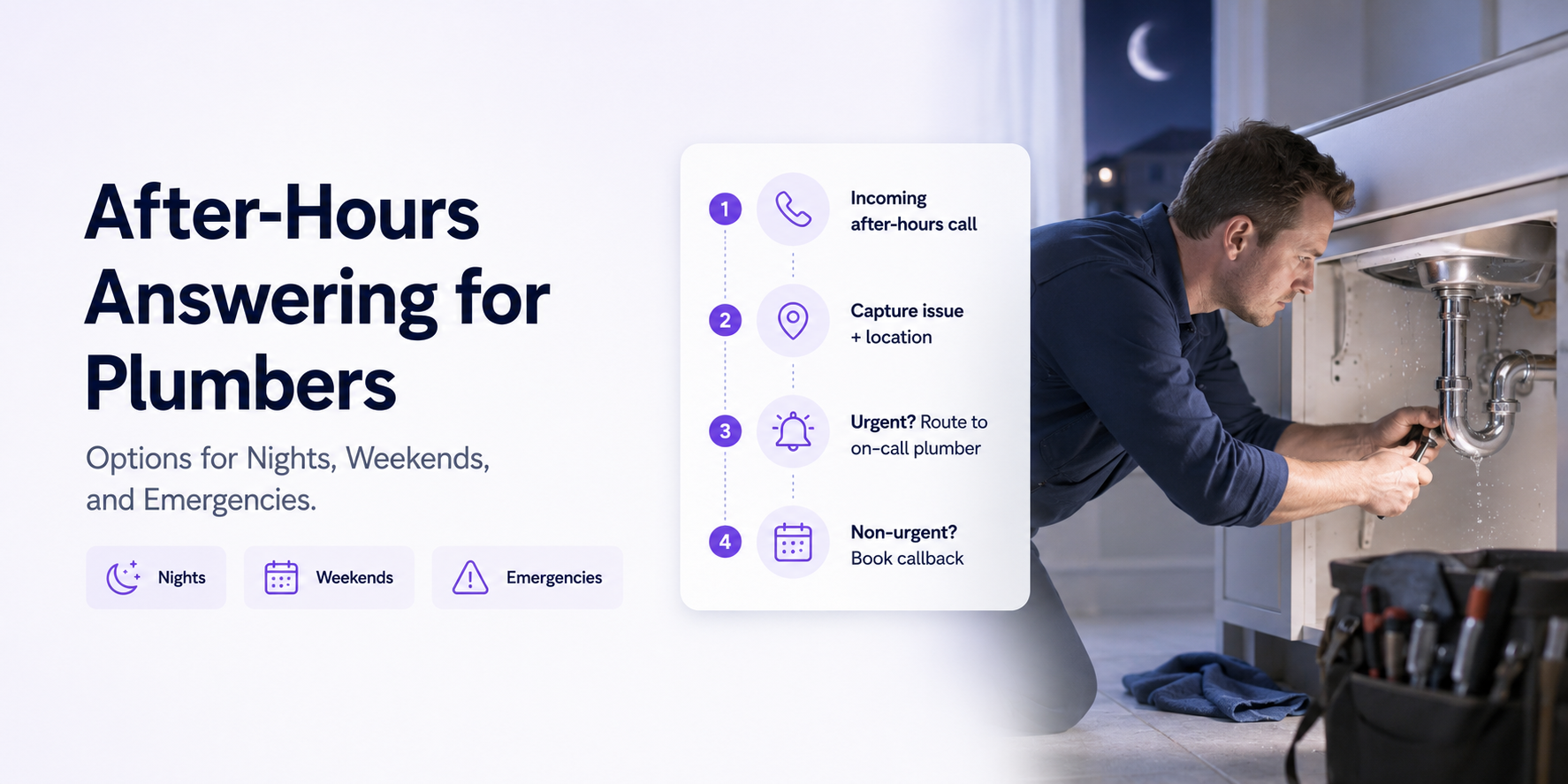
After-Hours Answering for Plumbers: Options for Nights, Weekends, and Emergencies

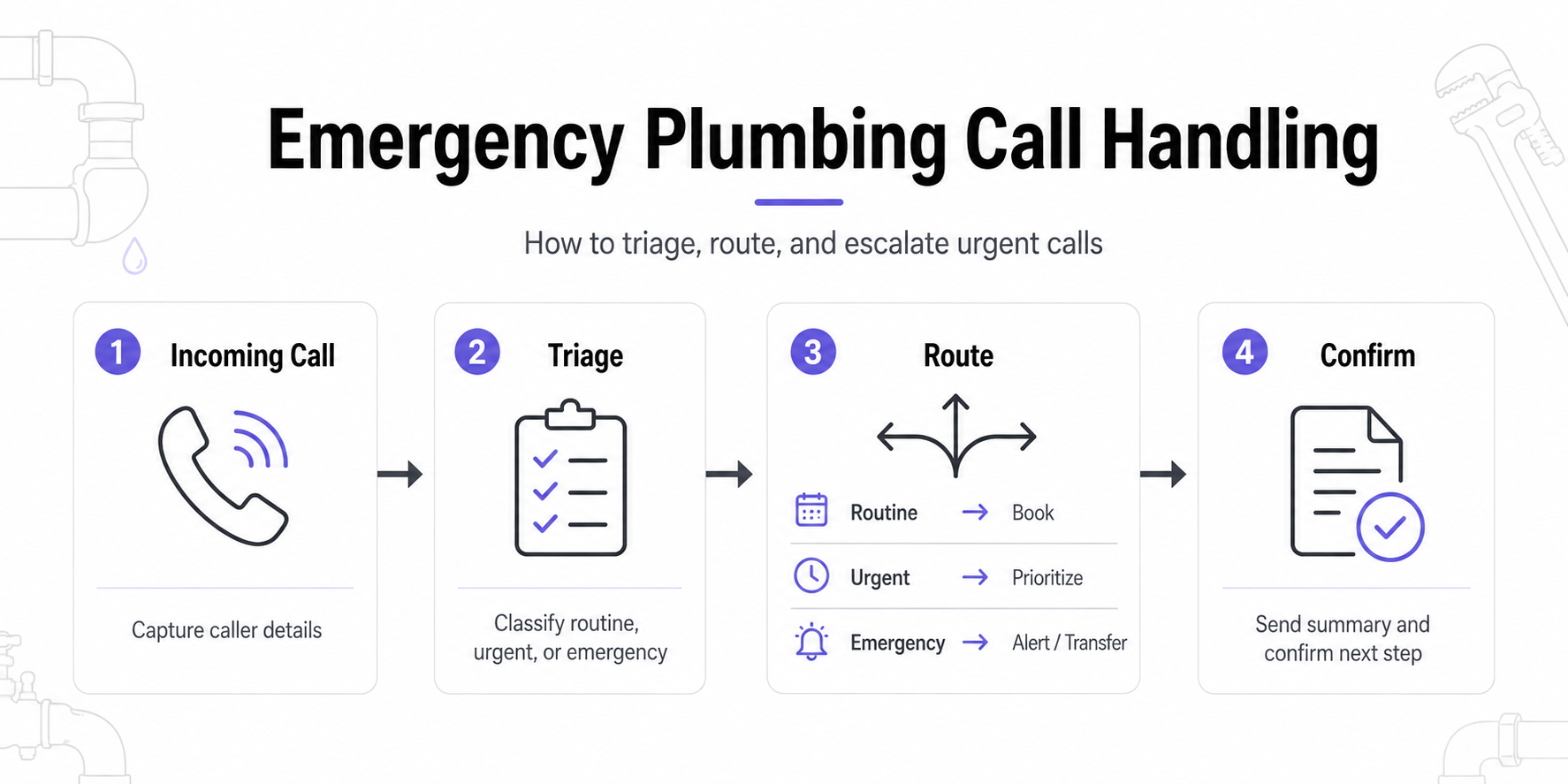
Emergency Plumbing Call Handling: How to Triage, Route, and Escalate Urgent Calls
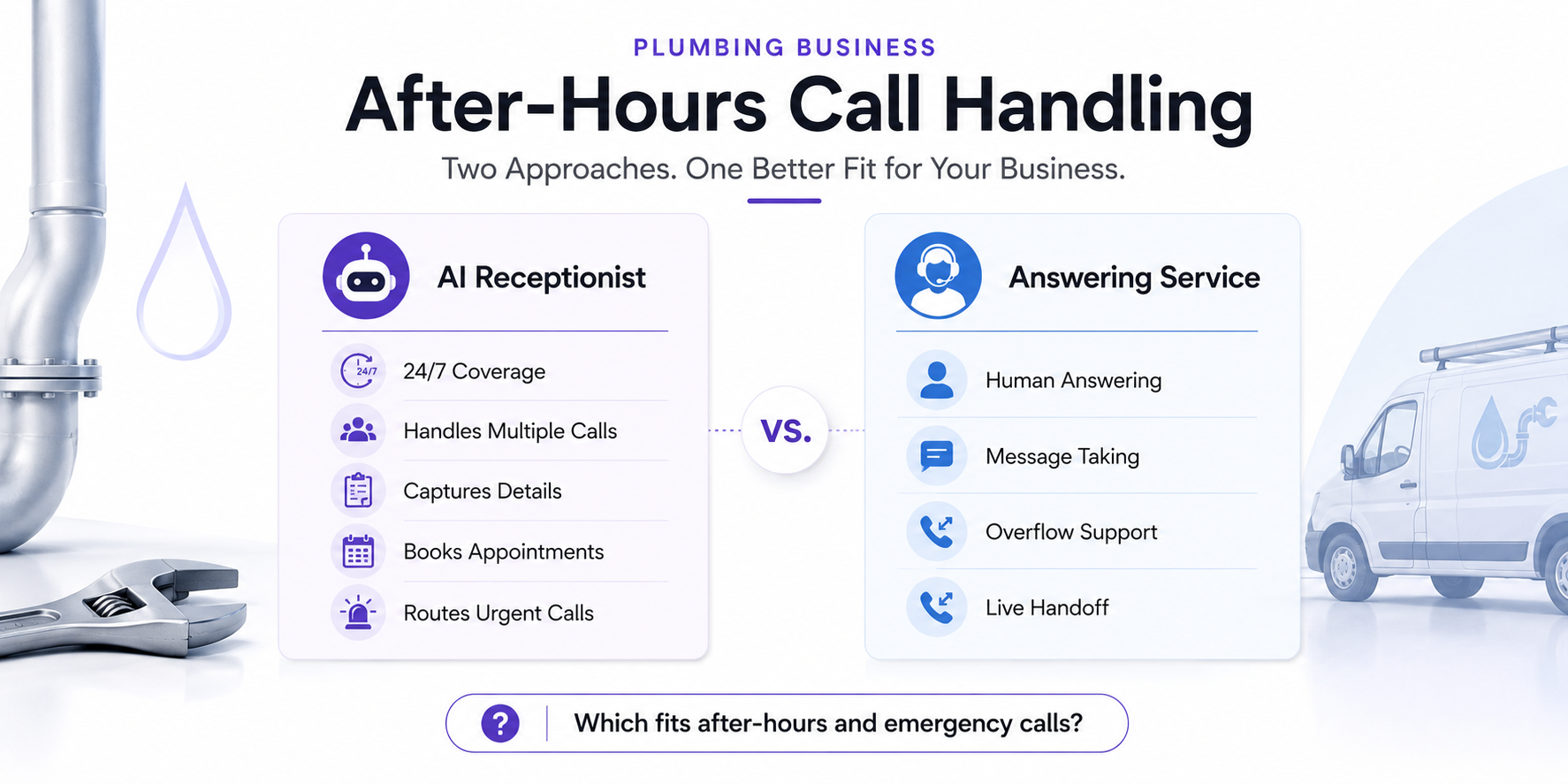
AI Receptionist vs Answering Service for Plumbers: Which Fits After-Hours and Emergency Calls?